Photo Quality Enhancer: Fix Blurry Photos Online
Turn blurry, grainy or low-resolution photos into clear, sharp images. Works for portraits, product shots, screenshots and old family photos, right in your browser.
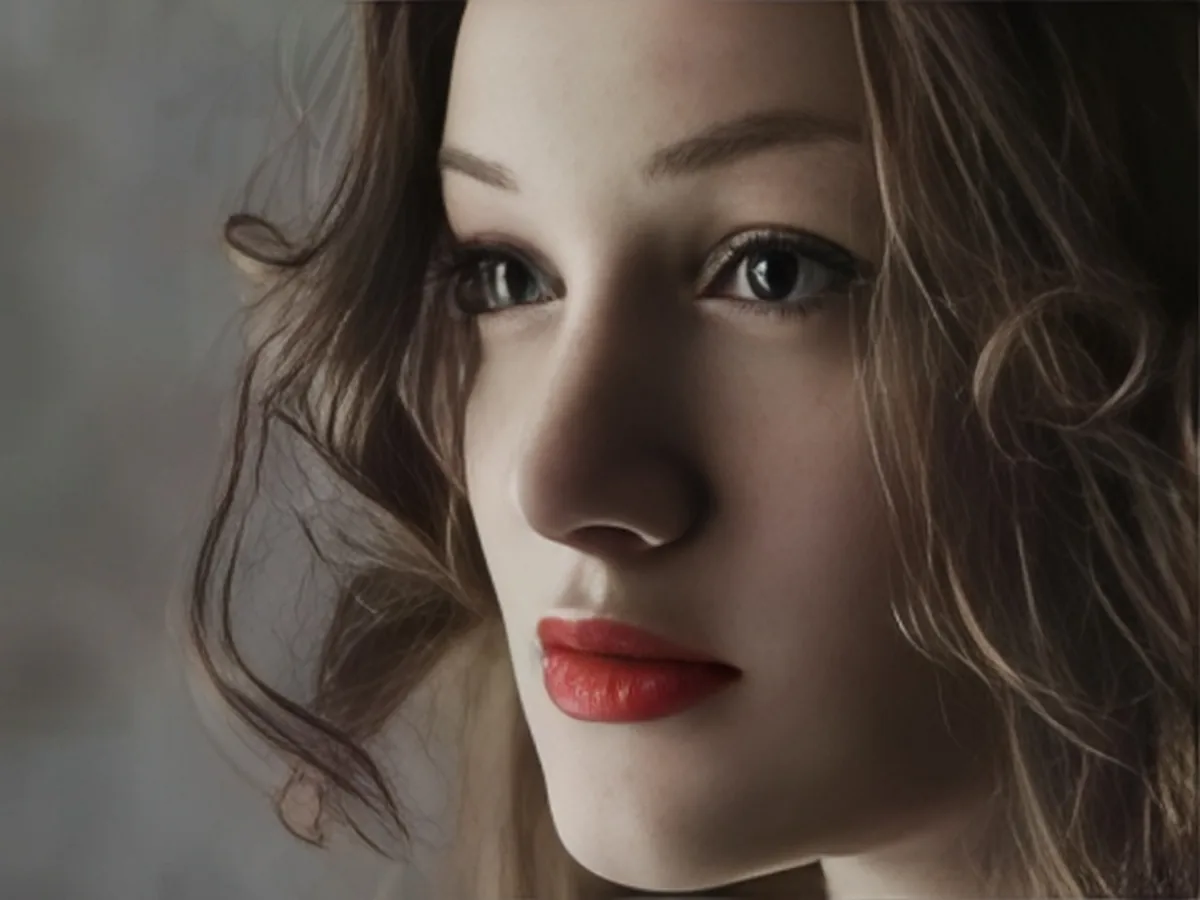

Upload Image
Drag and drop, or click to browse
JPG, PNG or WebP, up to 20 MB
- Free daily credits
- No sign-up
- Private
Free every day
Daily credits, no card needed
No sign-up
Start right in your browser
JPG, PNG, WebP
The formats you already use
Side-by-side check
Compare before you download
Fix the most common photo problems
One photo quality enhancer for blur, low resolution, pixelation, noise and fading. Upload once and the AI picks up what is wrong.

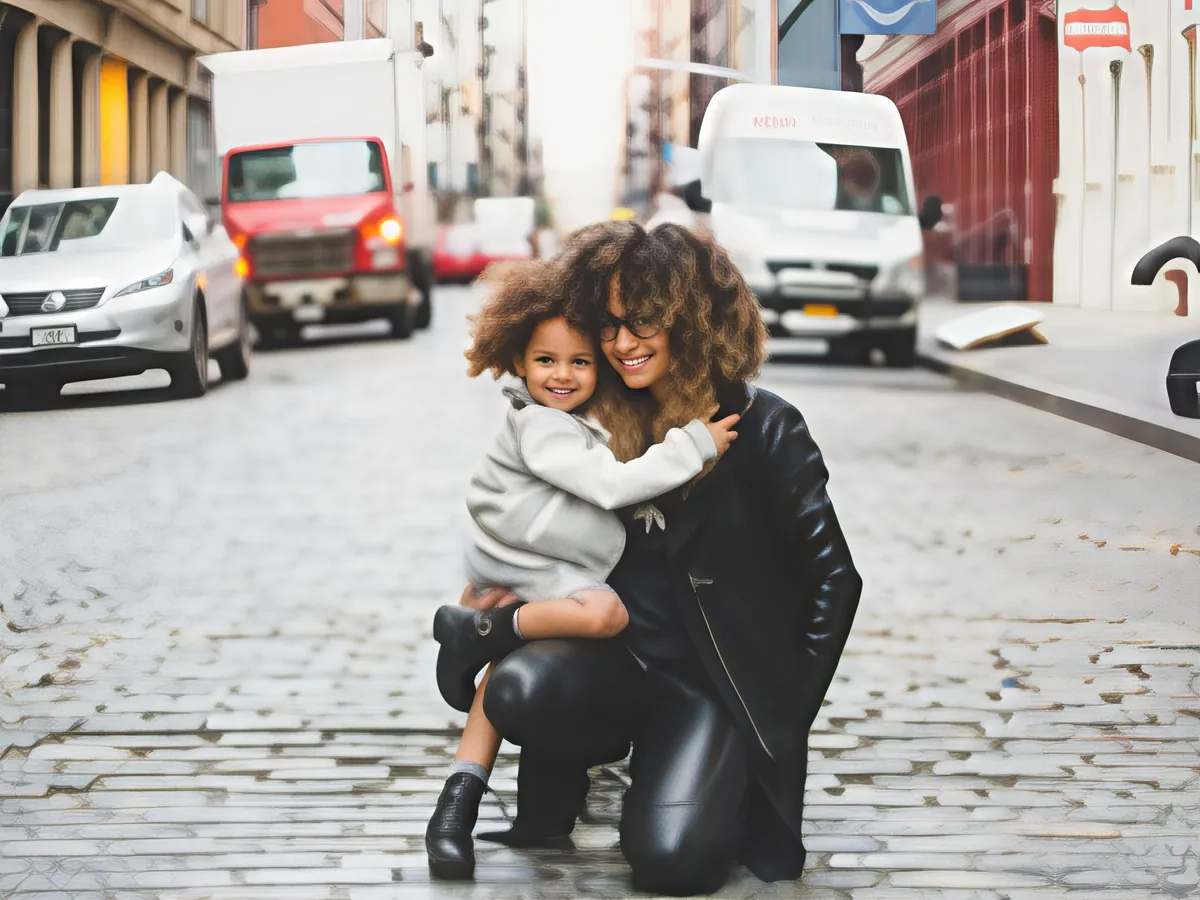
Bring back focus
Missed focus or a slight shake: edges and fine detail come back.
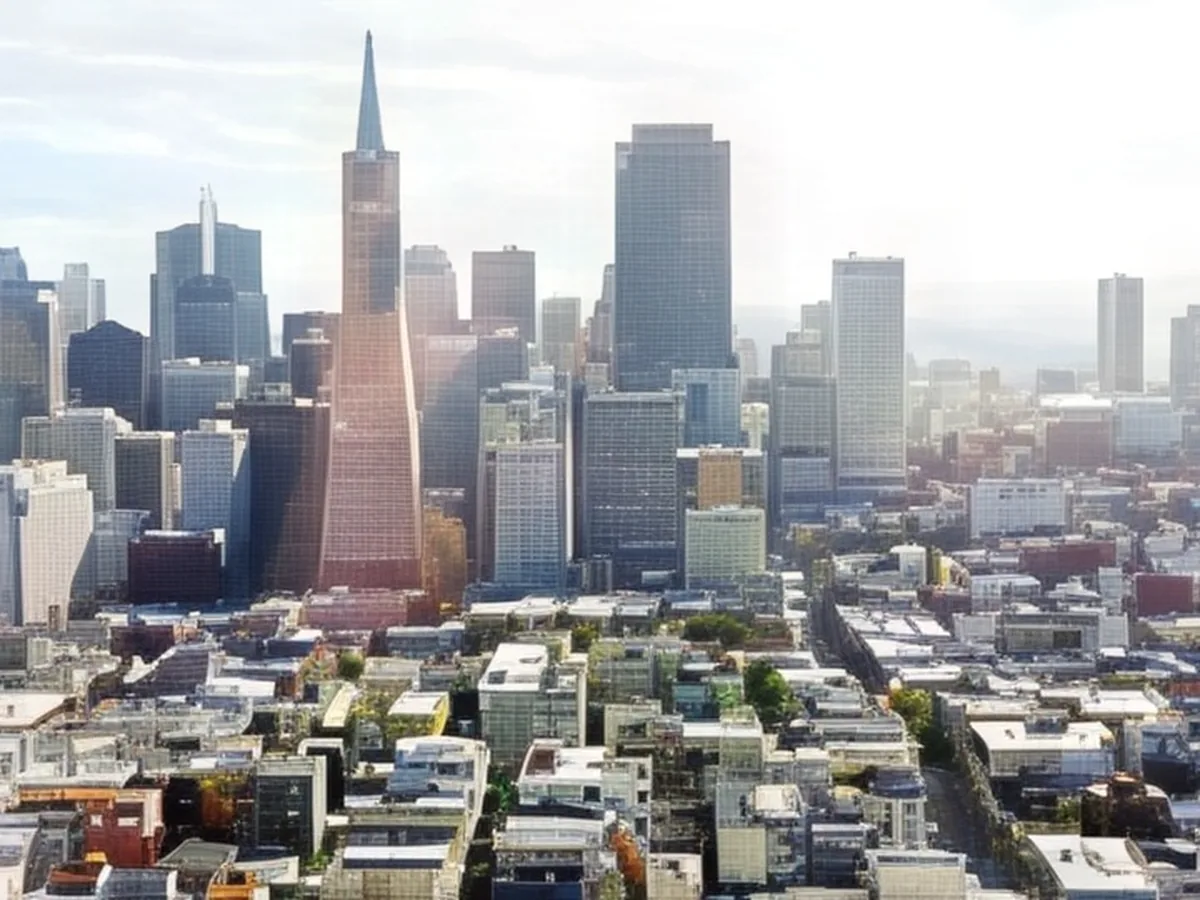
Enlarge small photos
Thumbnails and compressed images get their missing pixels back and stay clean when enlarged.


Smooth out pixels
Blocky, pixelated images get clean lines and smooth edges again.

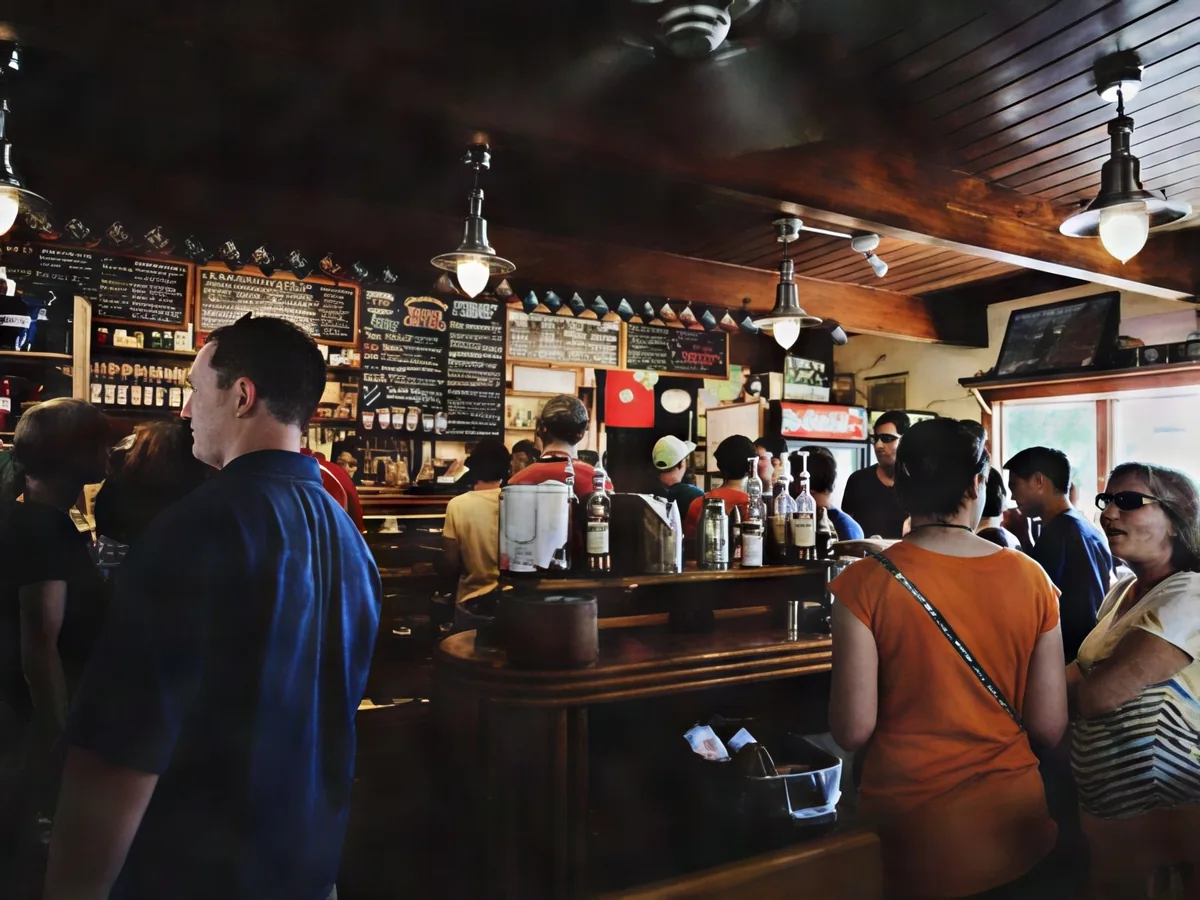
Clean up night shots
Grain from low light is cleared, while detail and skin tones stay.
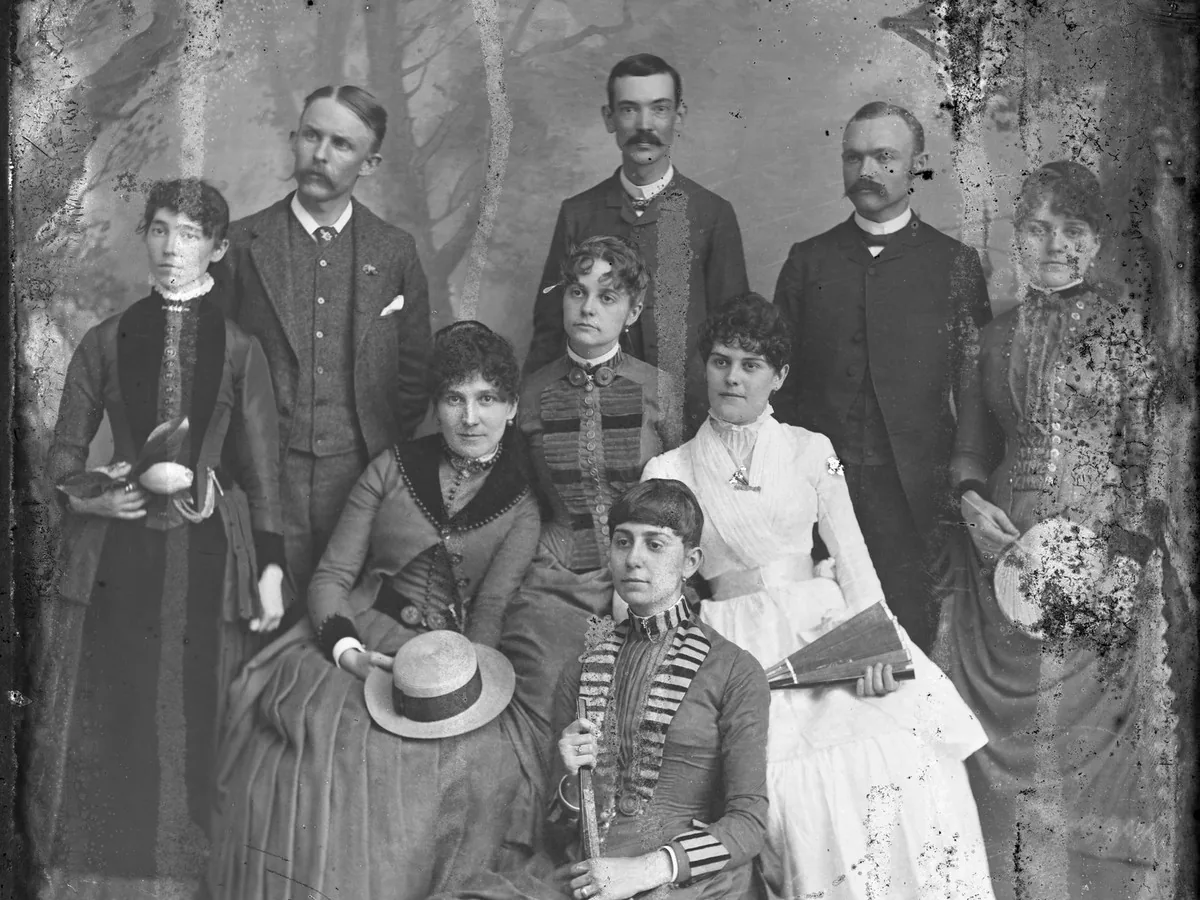
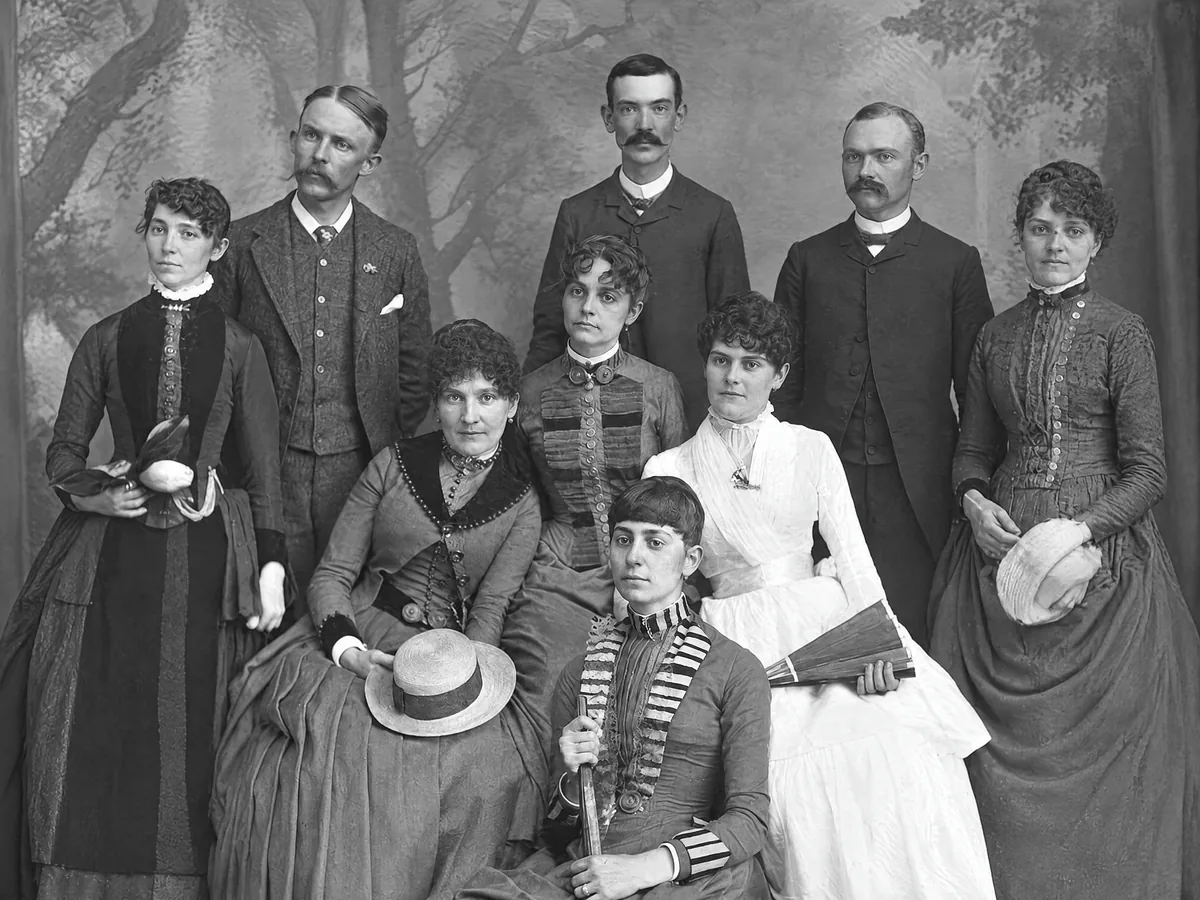
Repair old prints
Scratches, cracks and stains come off, and the people stay as they were.
See the difference on real photos
Move across each photo to compare the original with what the image clarity enhancer rebuilt.
Blurry photos
Recover edges and detail lost to camera shake or missed focus, so eyes, fur and text read clearly again.
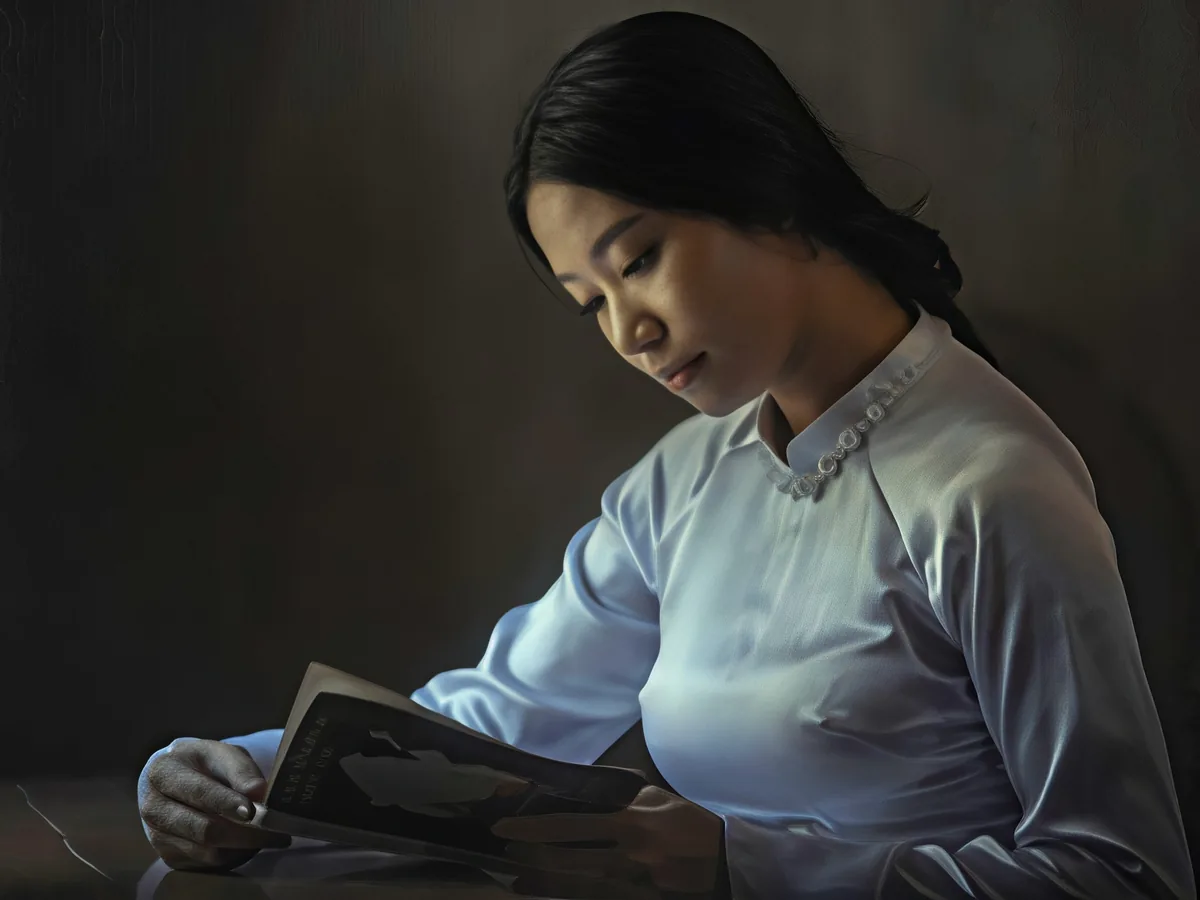

Low-resolution pictures
Small or heavily compressed images get the pixels they were missing, so they hold up on large screens and prints.

Pixelated images
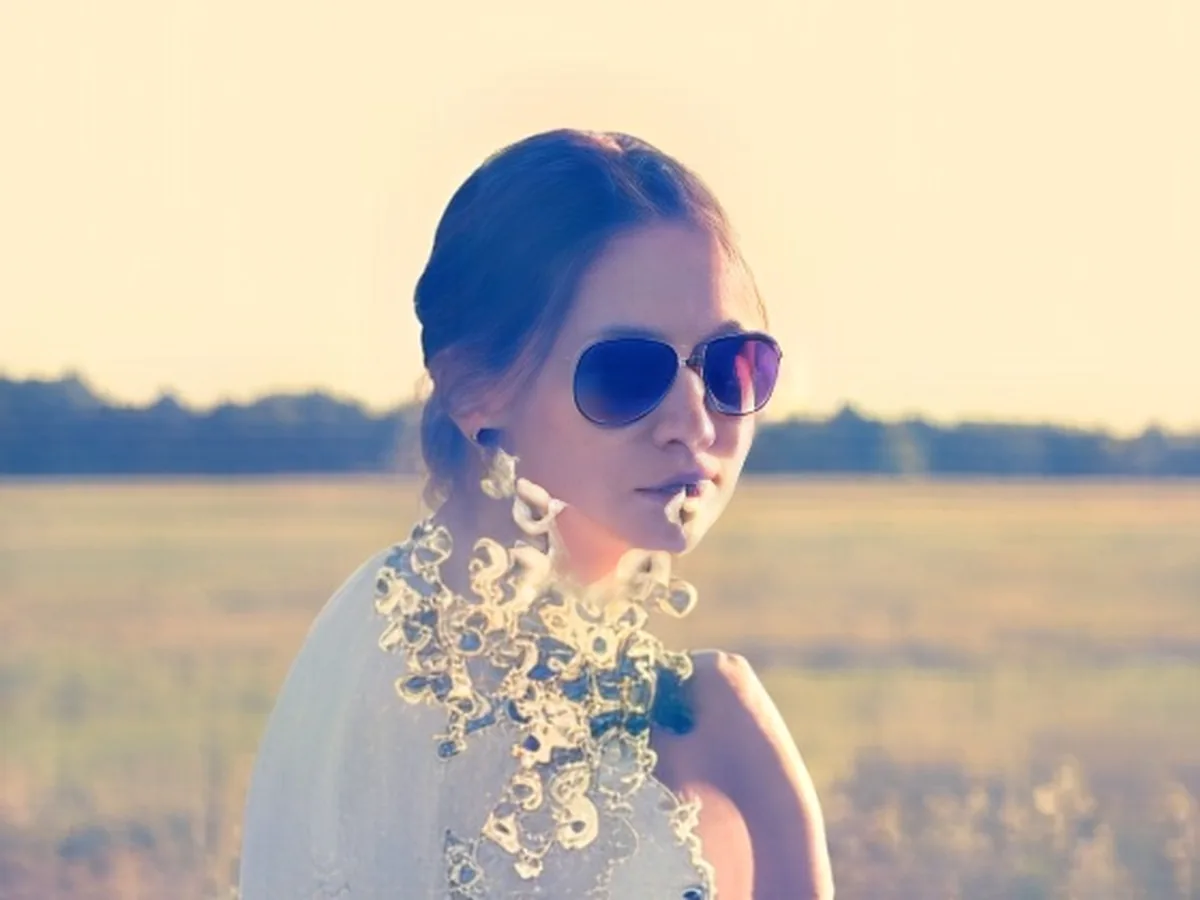
Blocky product shots and screenshots get clean lines and readable small details back.


Grain and haze
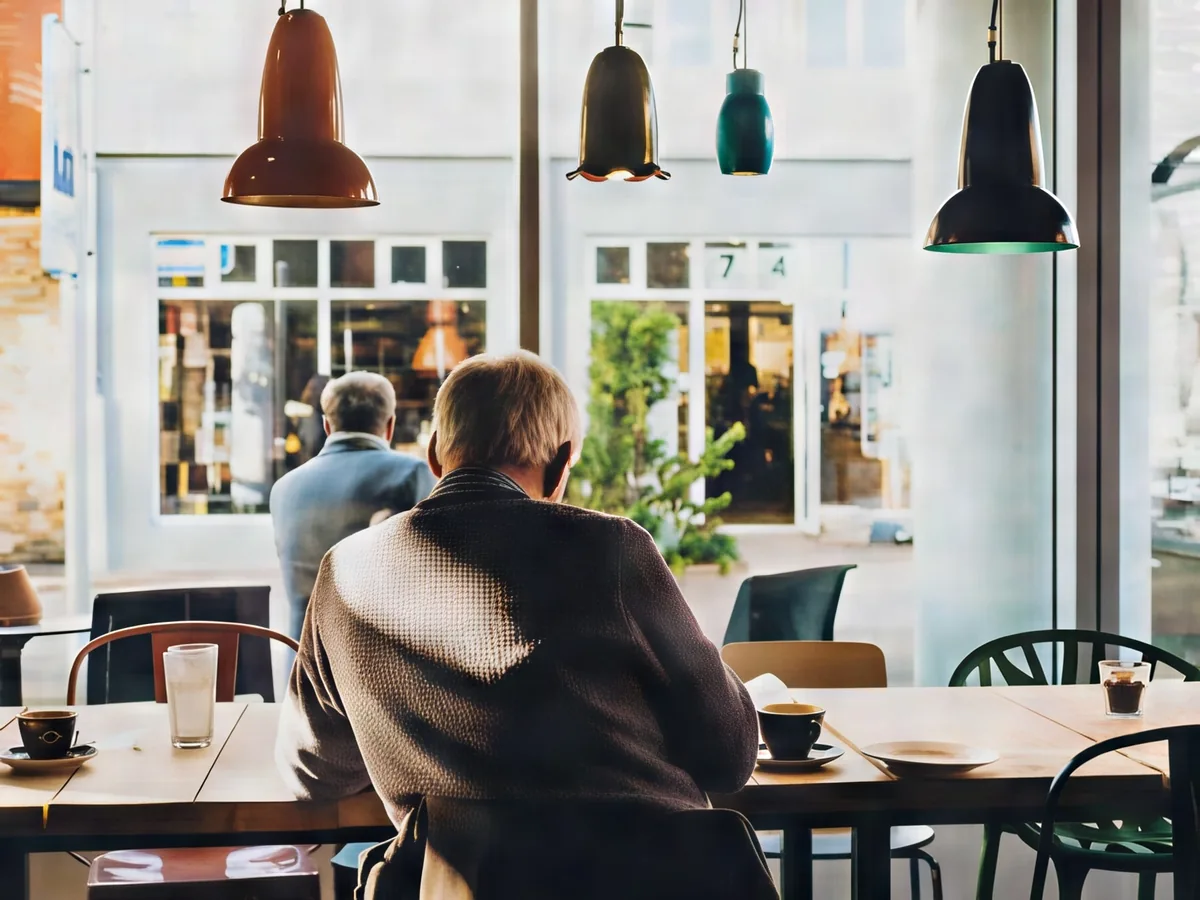
Low-light grain and washed-out contrast are cleaned up without the plastic look of heavy noise reduction.

Old and faded photos
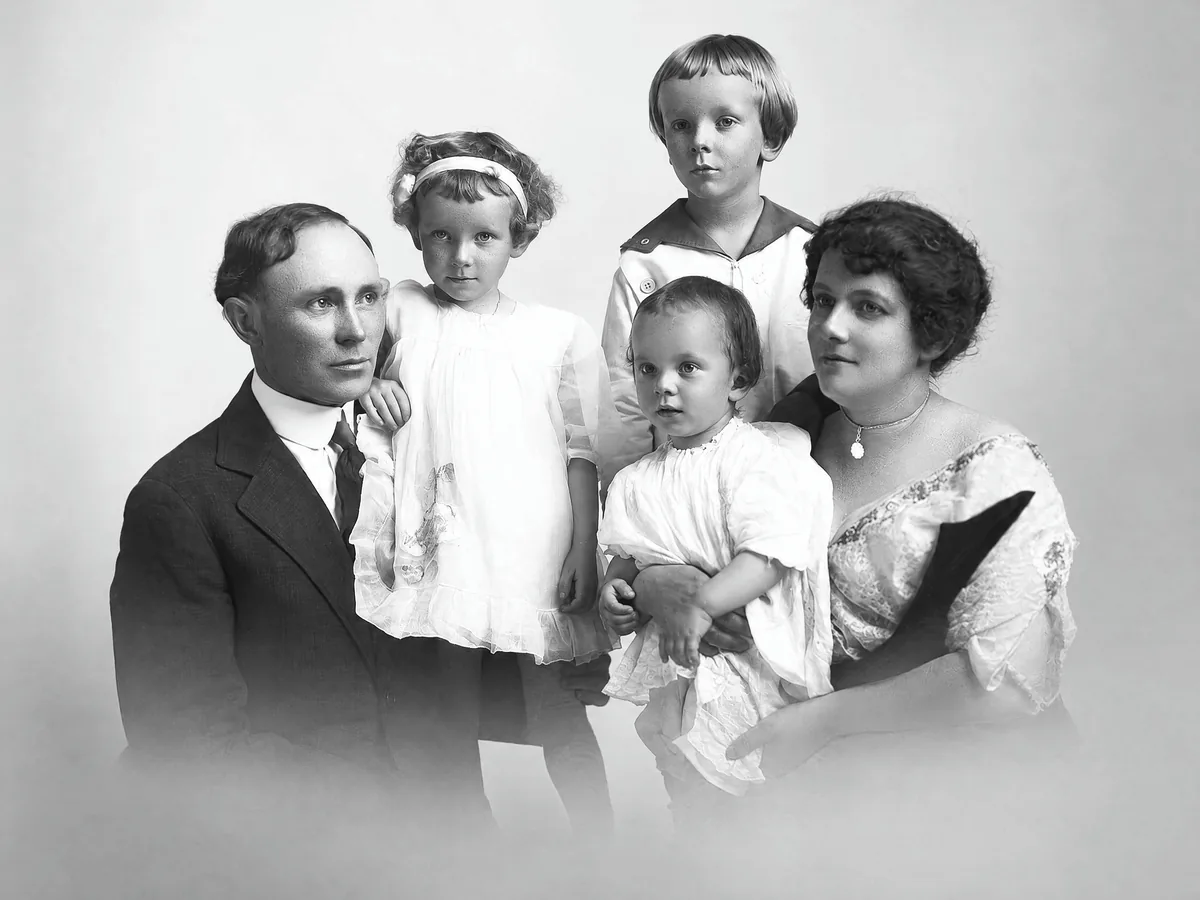
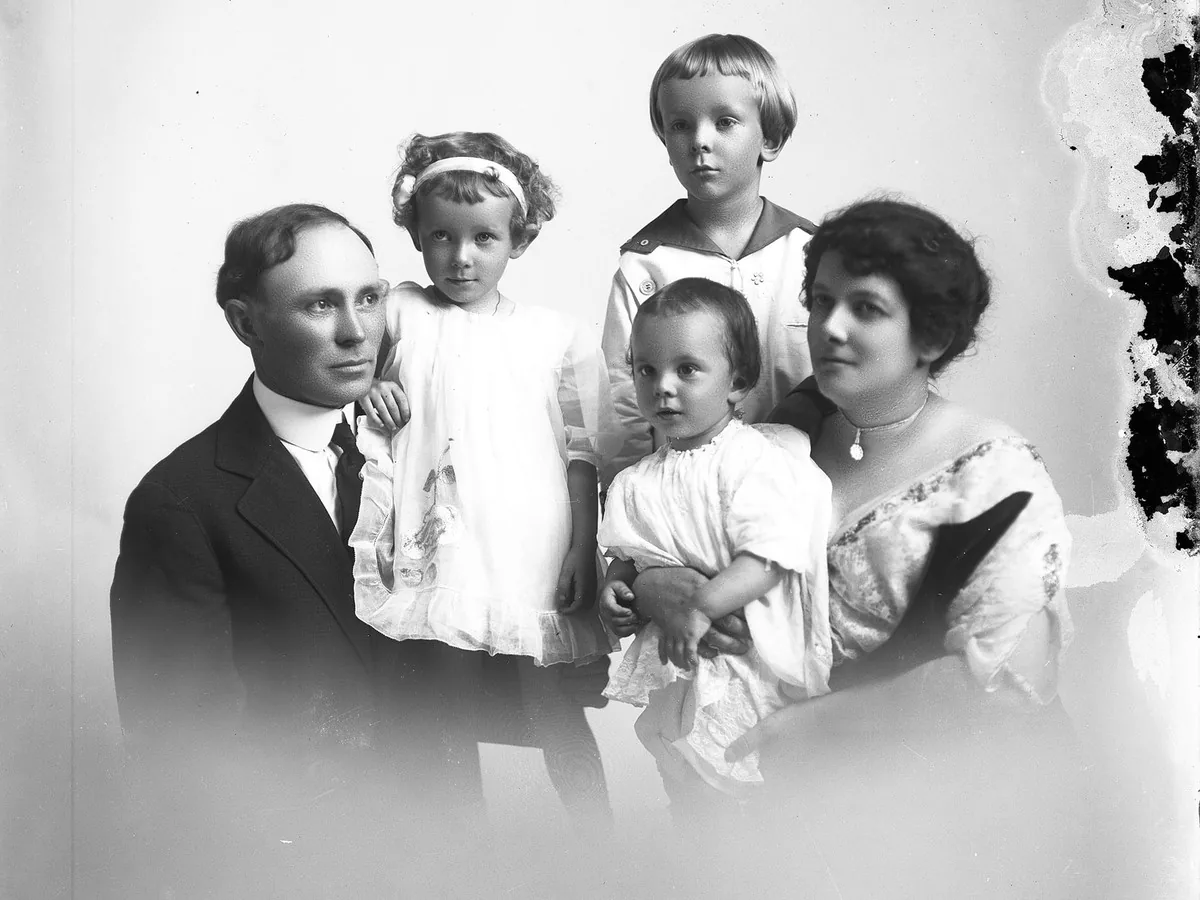
Scratches, cracks and stains come off faded prints and scanned family photos, and black and white photos stay black and white.
How to improve photo quality
This picture enhancer runs in your browser. No software to install and no editing skills needed.
Upload
Drop a JPG, PNG or WebP into the box above, or pick one of the sample photos.
Enhance
Choose a model. The credit cost is shown before you start, and the AI rebuilds blur, noise and missing pixels.
Compare and download
Drag the slider to check the result against your original, then save the enhanced photo.
Made for the photos you actually use
Photo enhancer vs. manual editing
You can improve photo quality in Photoshop or Lightroom. Here is where an AI enhancer saves time, and where manual work still wins.
| Task | Photoshop or Lightroom | Clarpex |
|---|---|---|
| Sharpen a soft photo | Unsharp Mask raises edge contrast and also amplifies noise. | Rebuilds detail instead of boosting existing edges. |
| Enlarge a small image | Resampling adds pixels by interpolation, so the result looks soft. | Generates plausible new detail at the higher resolution. |
| Fix scratches on an old print | Healing brush work, one mark at a time. | Removes most damage in one pass. |
| What you need | Desktop software and editing experience. | A browser and a photo. |
Manual editing is still the better choice for precise retouching and creative color grading of RAW files.
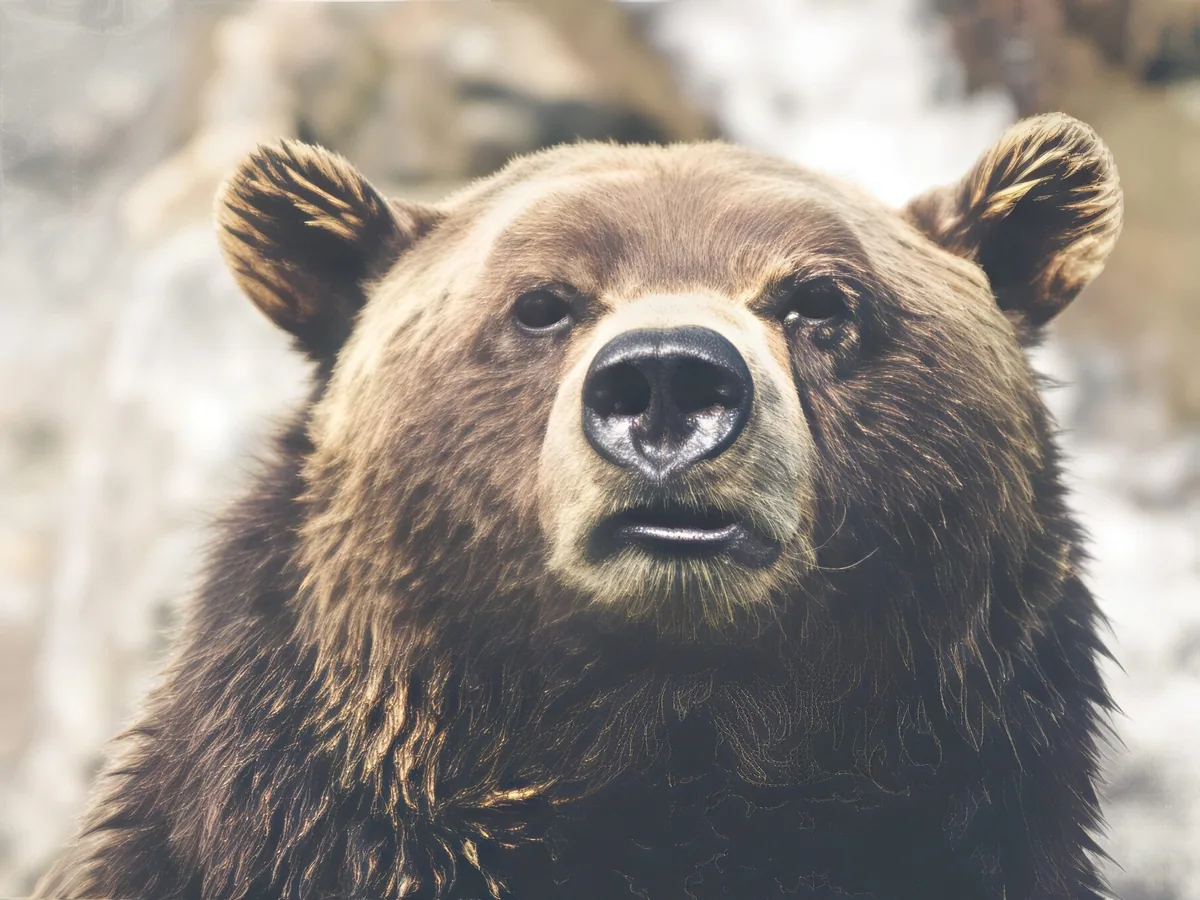
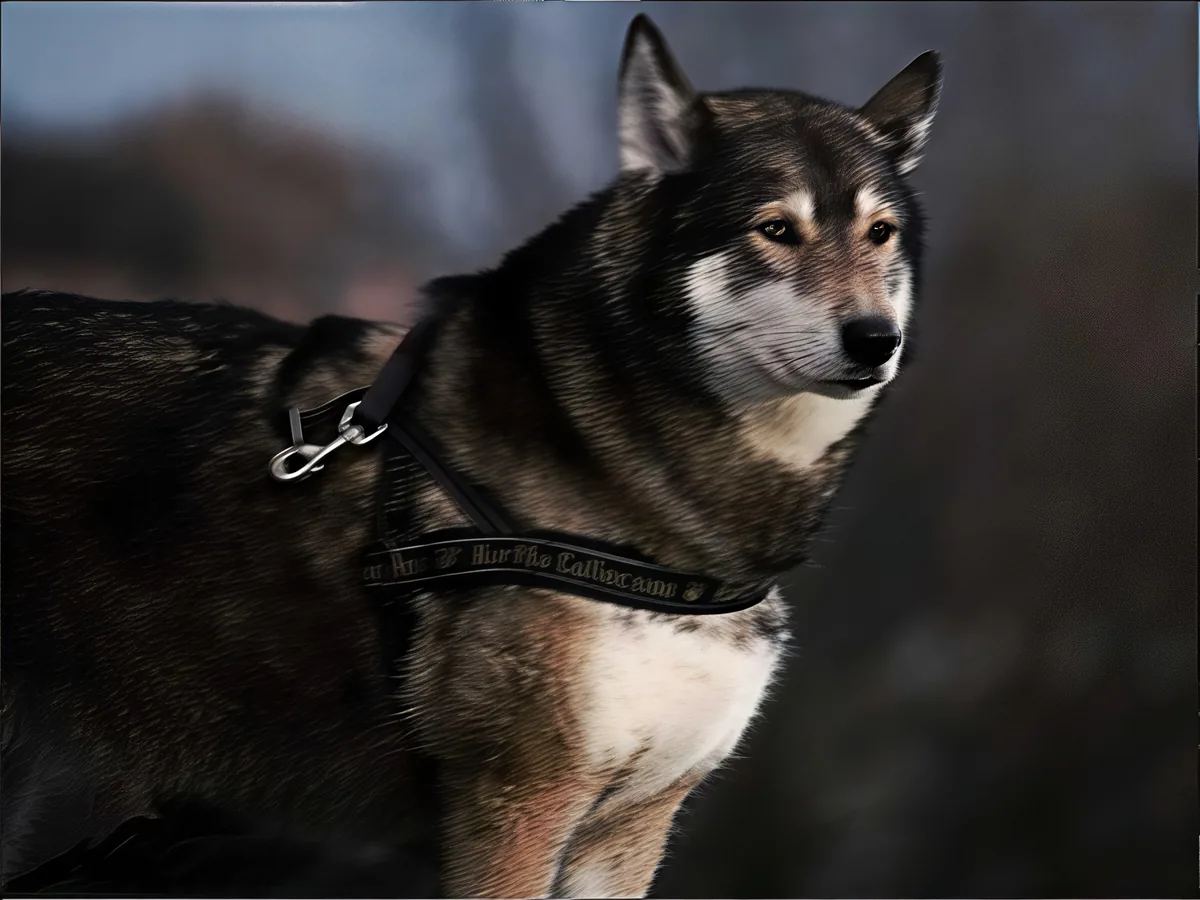
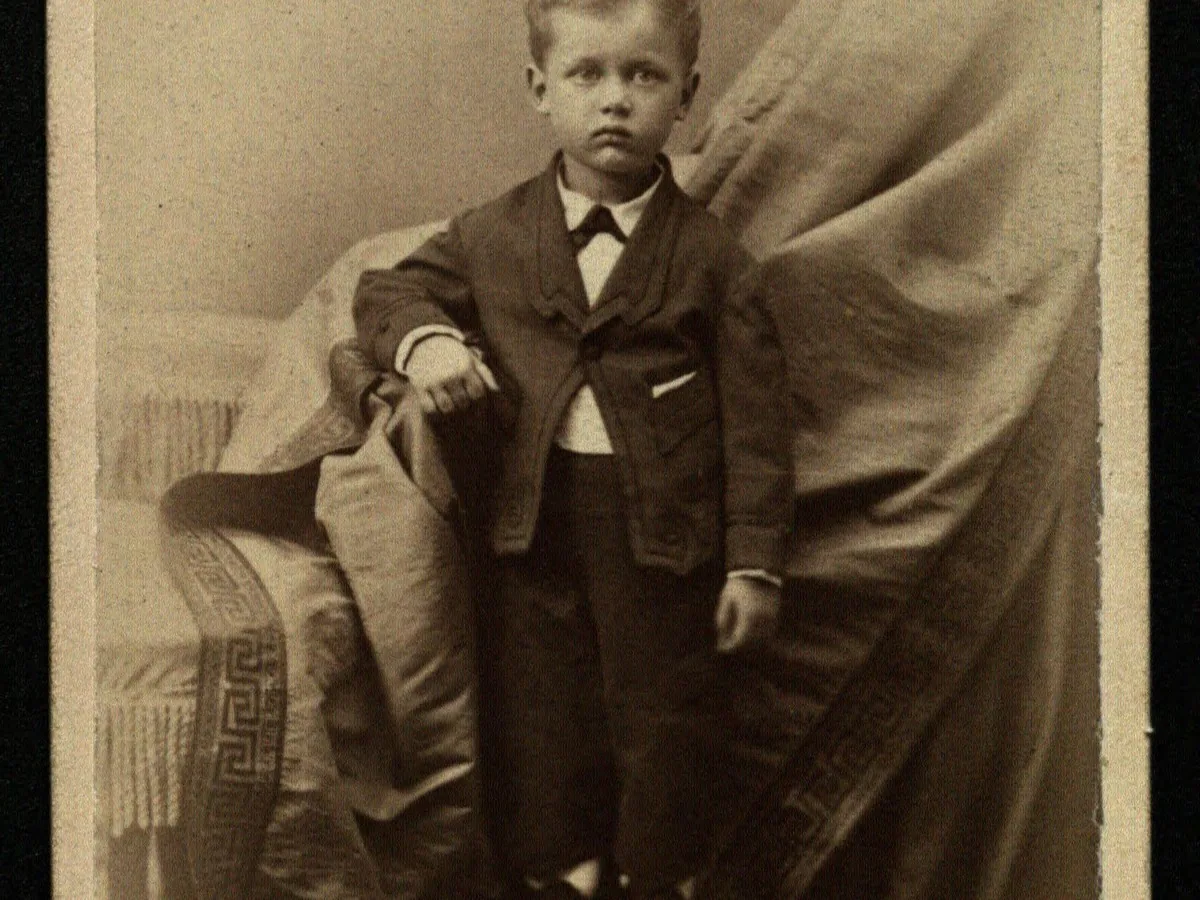
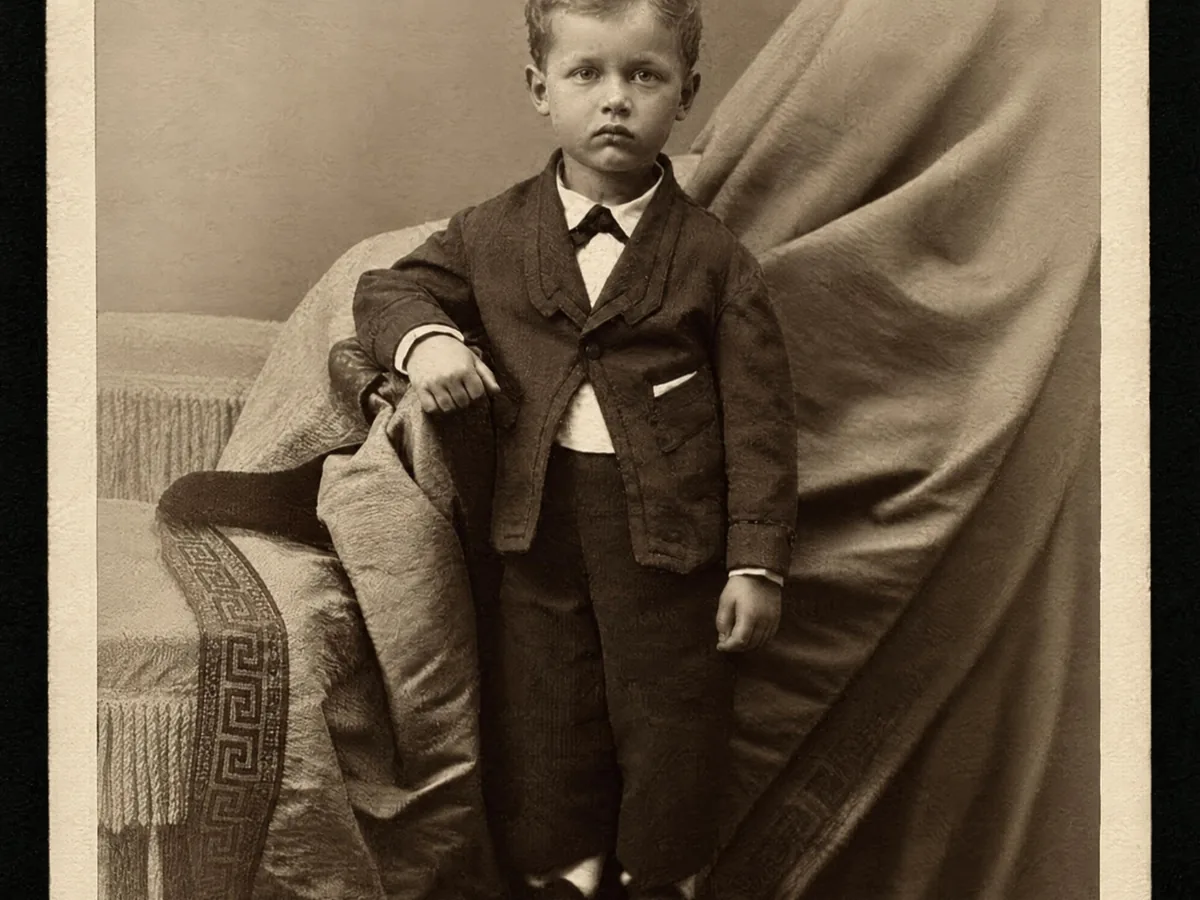
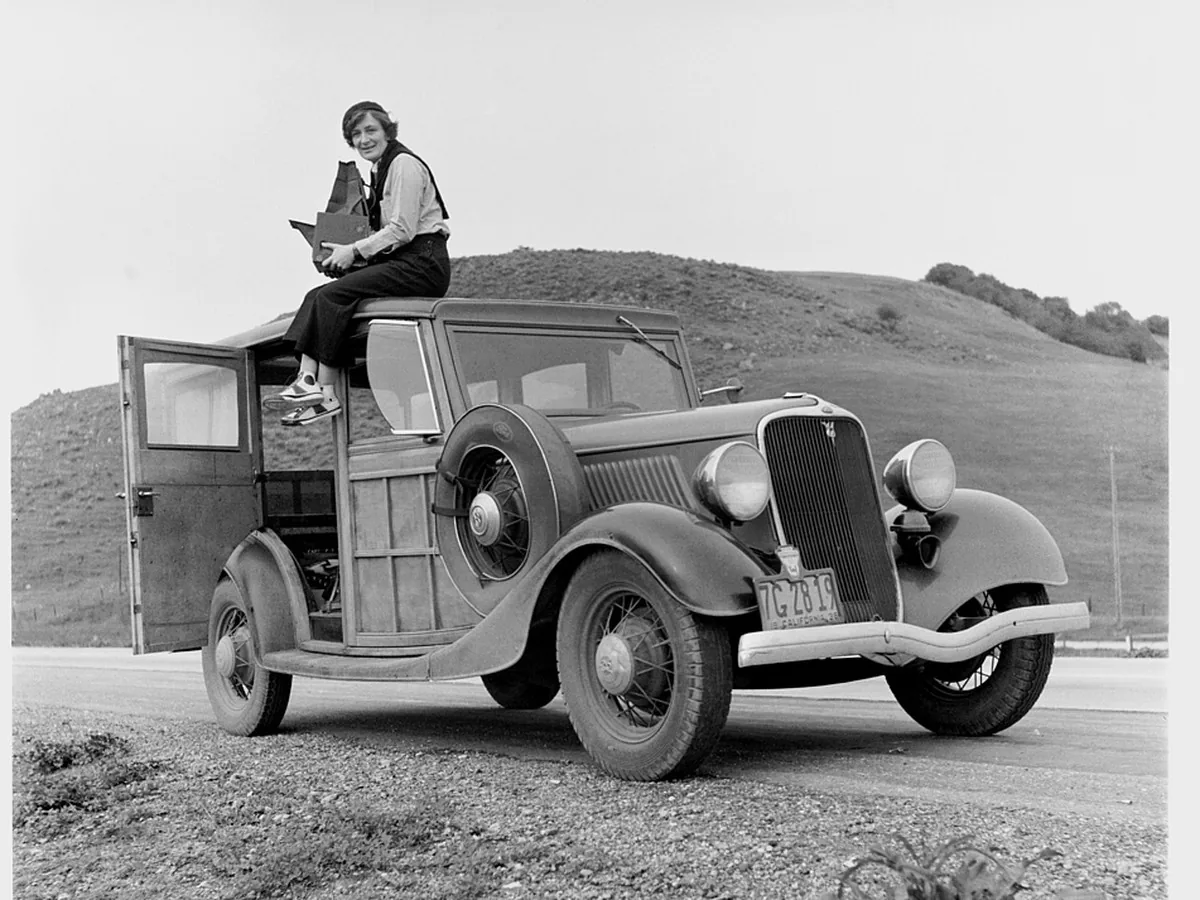
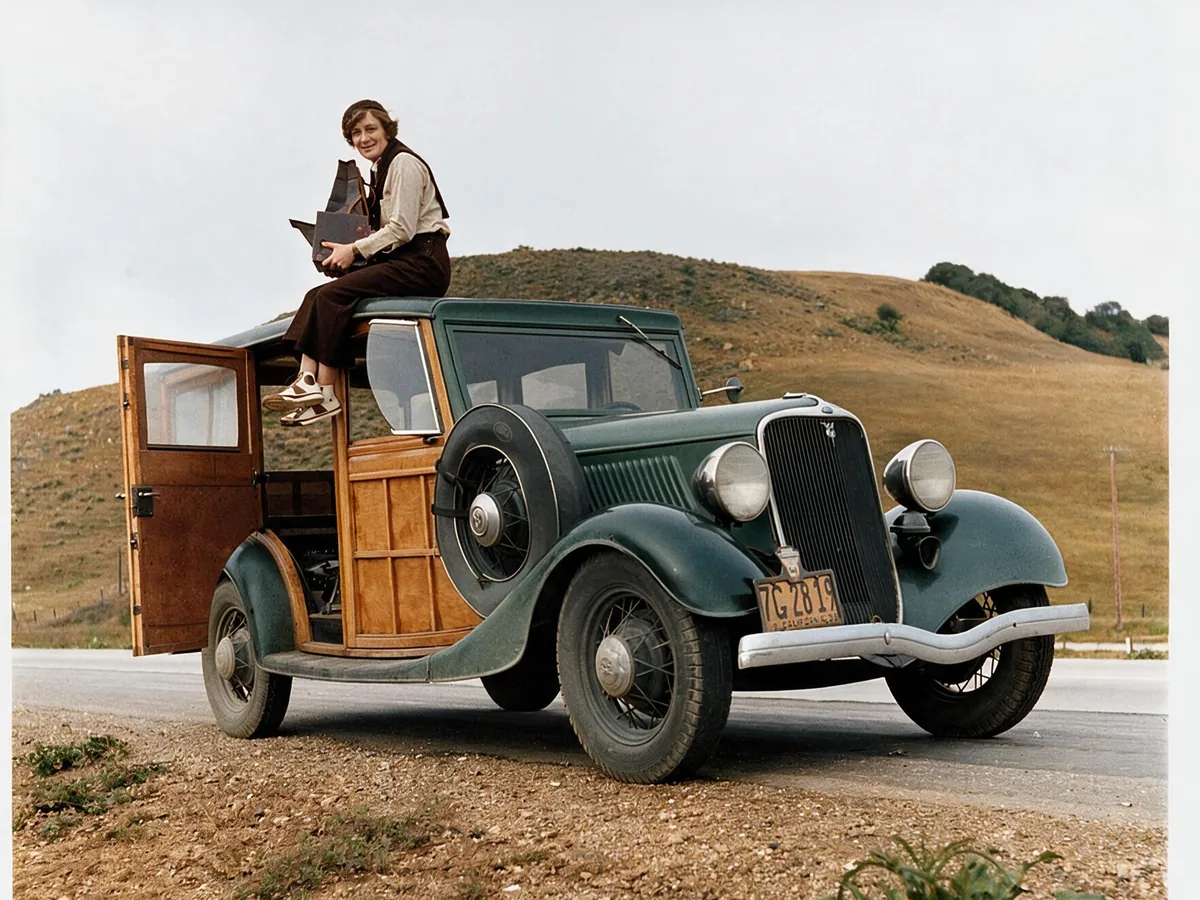
Photo quality enhancer FAQ
Yes. Everyone gets 10 free credits a day, no account needed, and Standard costs 2 credits a run. Free credits refresh every day and do not carry over. Pro (10 credits) uses purchased credits. Your balance is always shown at the top of the page.
No. You can enhance photos right away. Sign in only if you want your results saved in History or to buy more credits.
JPG, PNG and WebP images up to 20 MB and 40 megapixels each. Larger photos are scaled down automatically before enhancing, so you never have to resize them yourself.
The models rebuild detail to match the rest of the image, so most results look natural. Very small faces can change slightly, which is why you can compare with the slider before you download.
Enhancing fixes how a photo looks: blur, noise and compression. Upscaling makes it bigger. Clarpex does both, so a small blurry photo comes out larger and sharper.
It rebuilds fine detail that blur, noise and compression wiped out, then cleans up the edges. A sharpening filter in a photo editor only adds contrast to edges that are already there, so it can't bring detail back and often leaves halos.
Not every one. Heavy motion blur, or a subject that covers only a few pixels, cannot be fully recovered. Mild blur, low resolution and noise usually improve a lot.
Your photos are used only to create your result, never to train AI. Without an account they're deleted after 24 hours. Signed in, they're kept in History for 72 hours, or until you delete them if you turn on "Keep my tasks". Details are in our Privacy Policy.